Not another gray music player.
Inspired by video game interfaces, Libras combines bright colors and angular controls with a spacious layout.
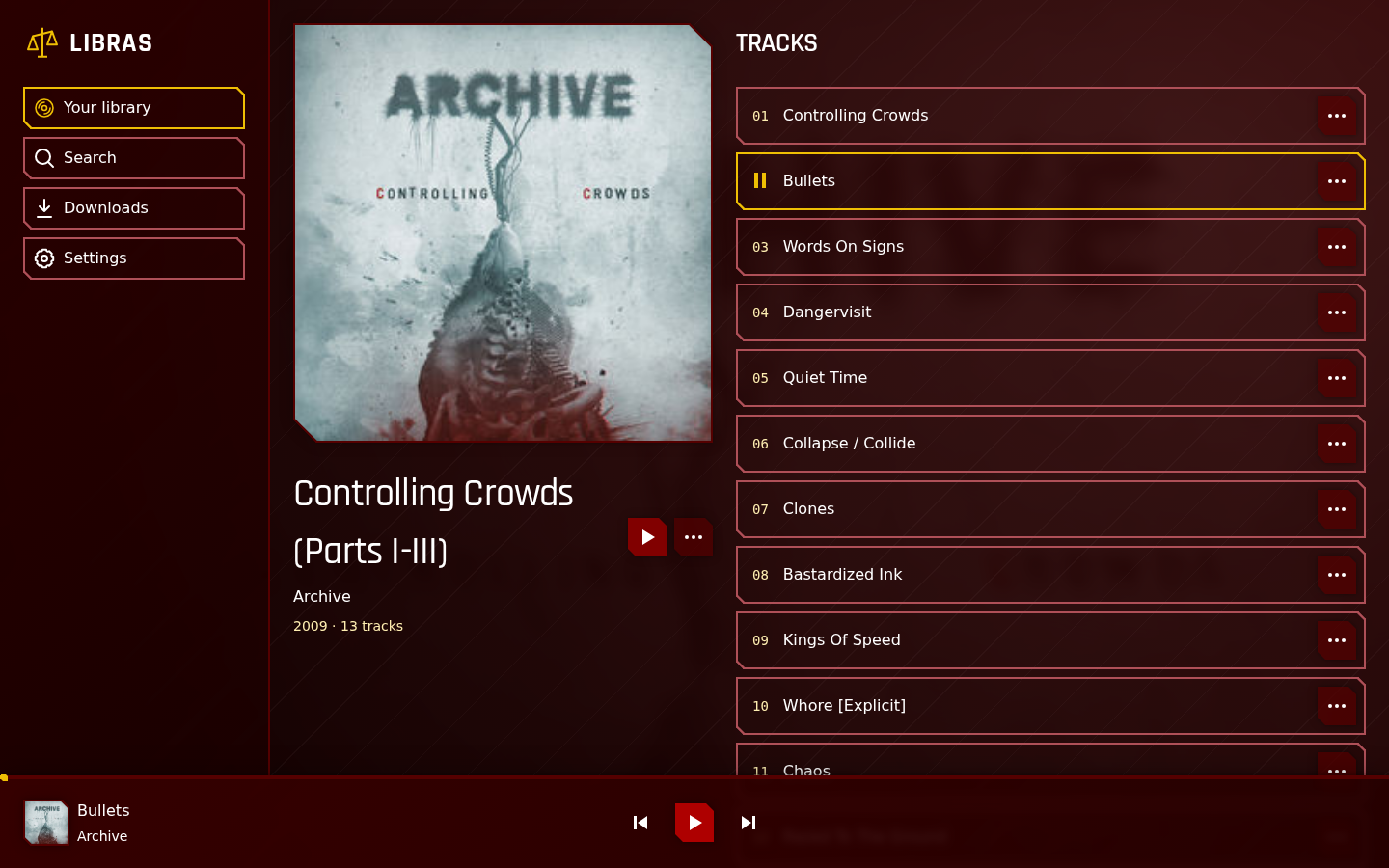
A music player for your Navidrome server that lets you stream your library or download music for offline listening.

Inspired by video game interfaces, Libras combines bright colors and angular controls with a spacious layout.
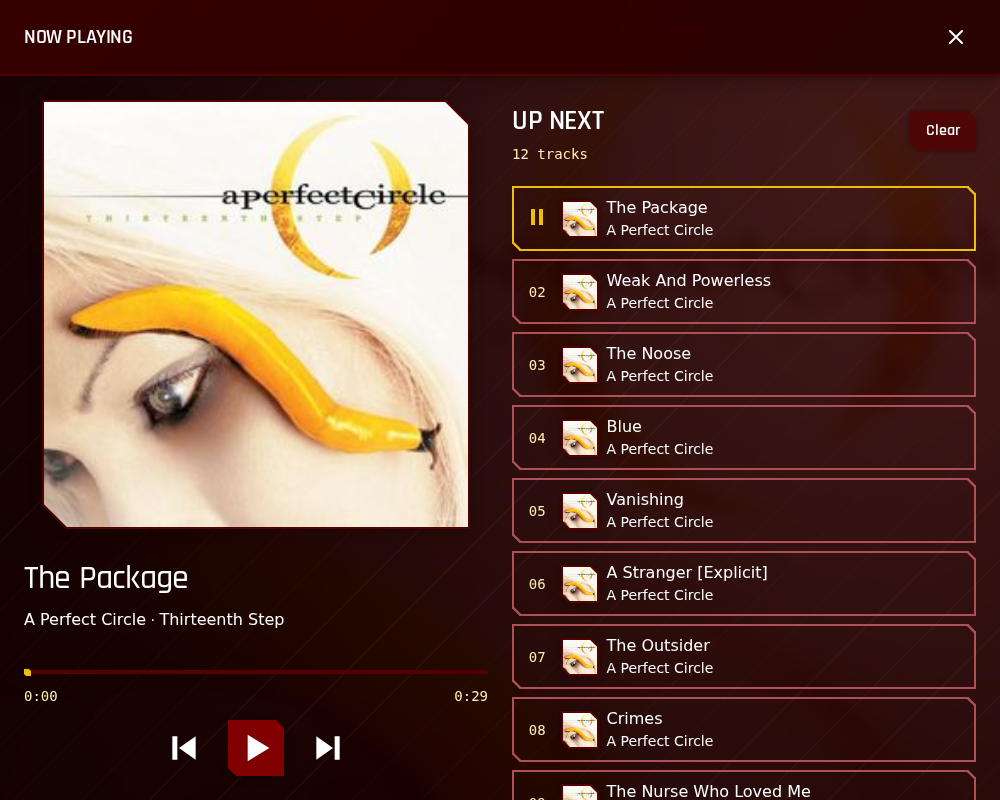
Libras works right in your browser on a computer, tablet, or phone, but you can also install it on your home screen or desktop for a separate app experience.
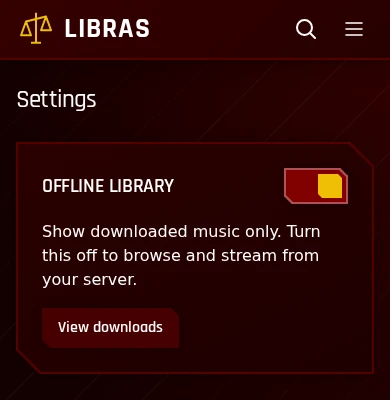
Download music before you head out, then turn on Offline Library in Settings to browse and play your downloads without a connection.
Libras connects to Navidrome, which hosts your music and streams it to your devices. Enter your server address and sign in with your existing account. Libras doesn’t host or upload your music.
Other Subsonic-compatible servers may also work if they meet the setup requirements. Your server needs to be reachable over HTTPS and allow browser connections from Libras through CORS.
View setup requirementsLibras is released under the MIT license, so you can read the code, change it, or run your own copy. If you find a bug or have a suggestion, let us know on GitHub.
View on GitHub